Shape your home for the life ahead.

Plan with clarity. Build with confidence.

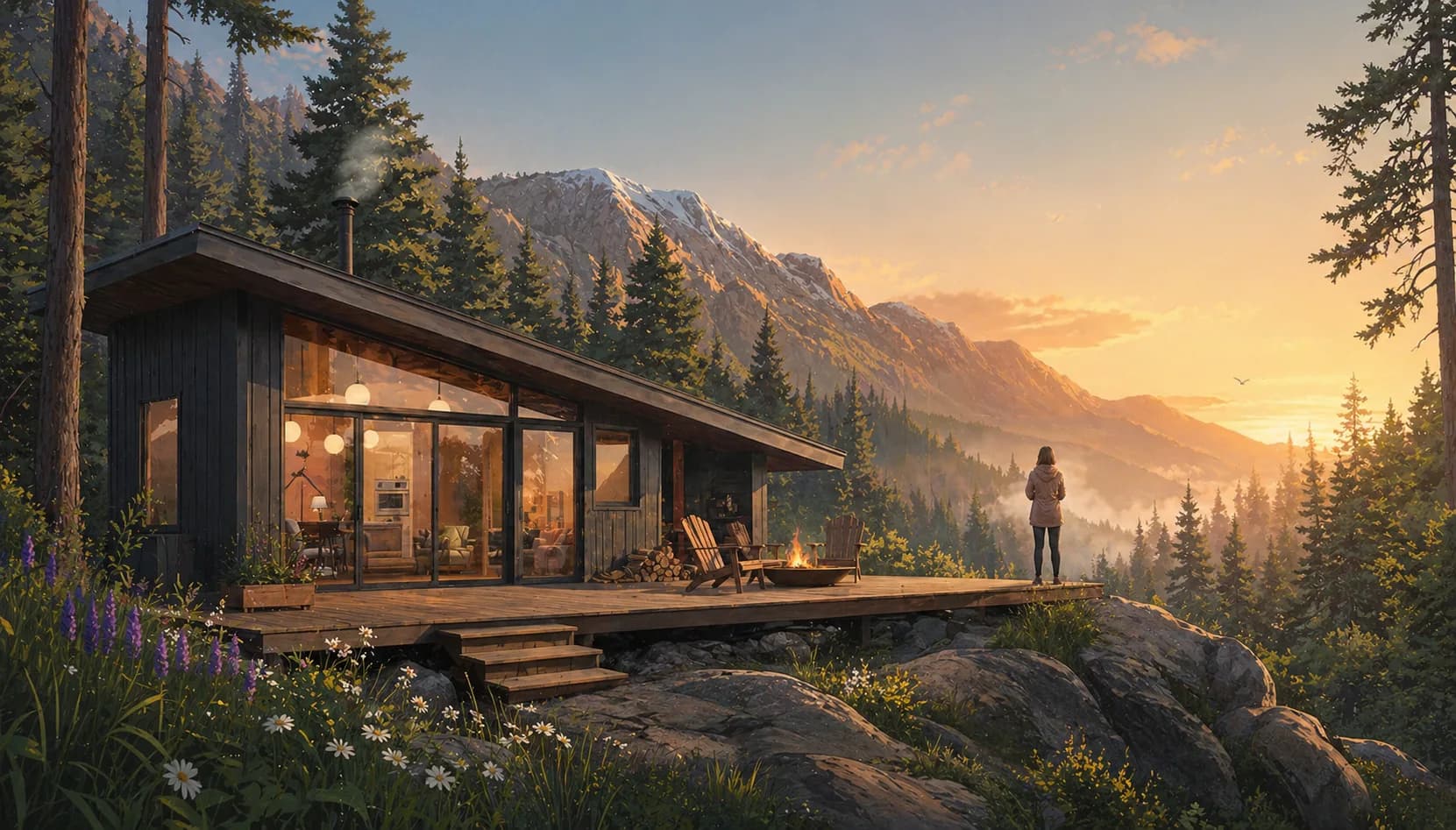
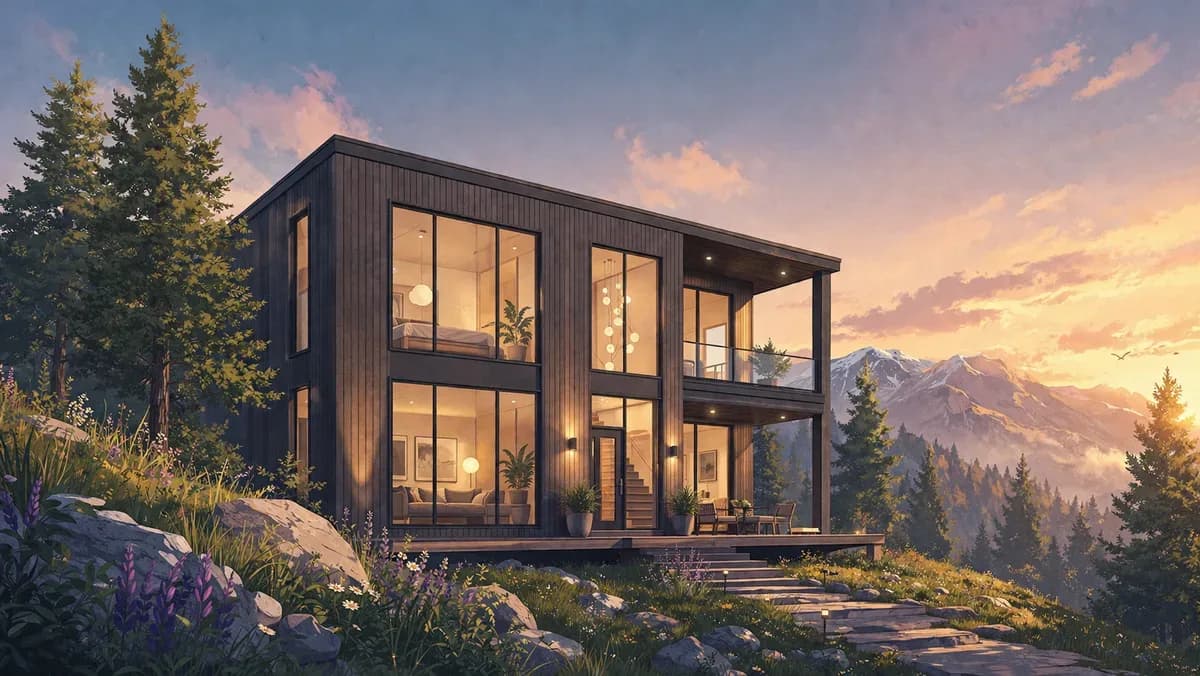
Modern cabin at sunset

A better way to design, permit, and build

rehome brings clarity to the design and build process—so it feels simple, guided, and easier to make decisions at every step.

Meet MyHome

One dedicated workspace for your project, with step by step guides for transitioning your vision from early planning to final construction.

my.rehome.build
MyHome AI

What are you hoping to change about the home?

We need more space and a better layout.

Let's compare the main paths before you commit to drawings.

Quick actions
Ask MyHome AI…

Define your project

Choose your project type, get your Build Report and Project Brief, and set up the right starting point with AI guidance and planning tools.

MyHome workspace on a tablet

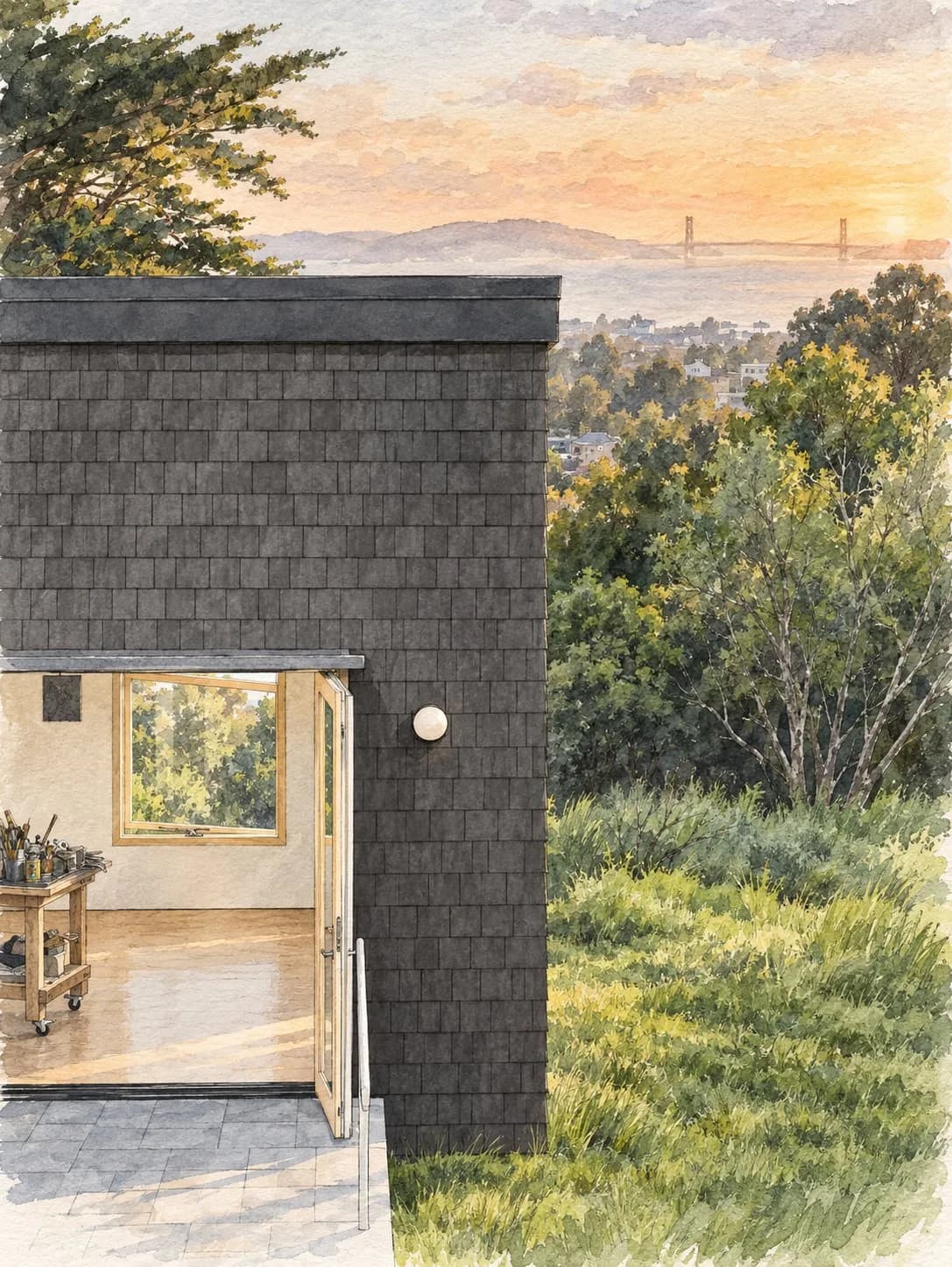
See your home before you build it.

Bring your project into 3D early, so you can understand the space, test ideas, and make better decisions before construction starts.

Bring your home into 3D
Step 01

Bring your home into 3D

For remodels and additions, schedule a home scan. For new homes, work with our design team to begin building your model from the ground up.

Explore the model
Step 02

Explore the model

Walk through your project in a browser-based viewer and see how the spaces connect.

Test layouts and products
Step 03

Test layouts and products

Place furniture, fixtures, and finishes to understand what works before you buy.

Visualize with AI renders
Step 04

Visualize with AI renders

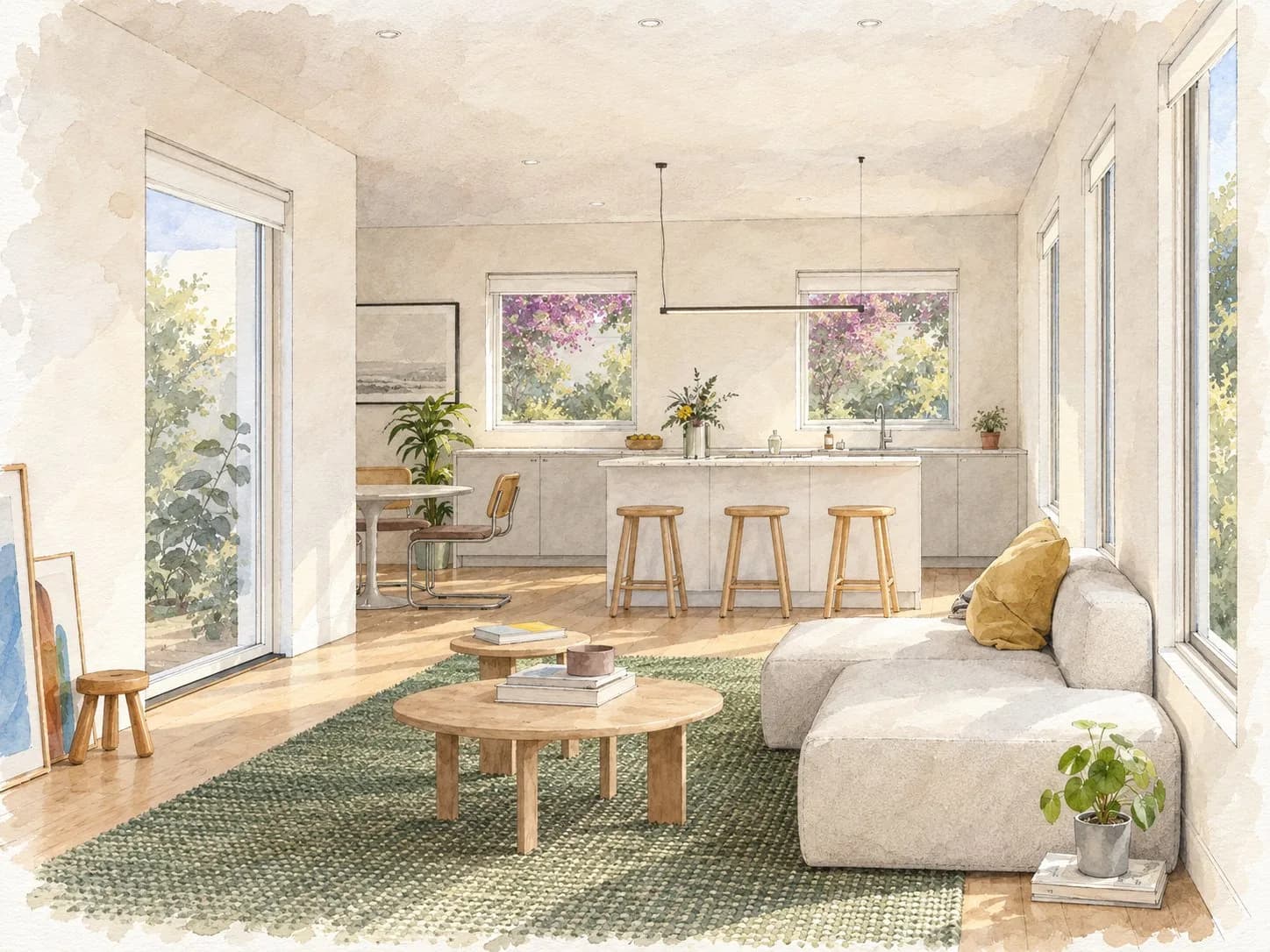
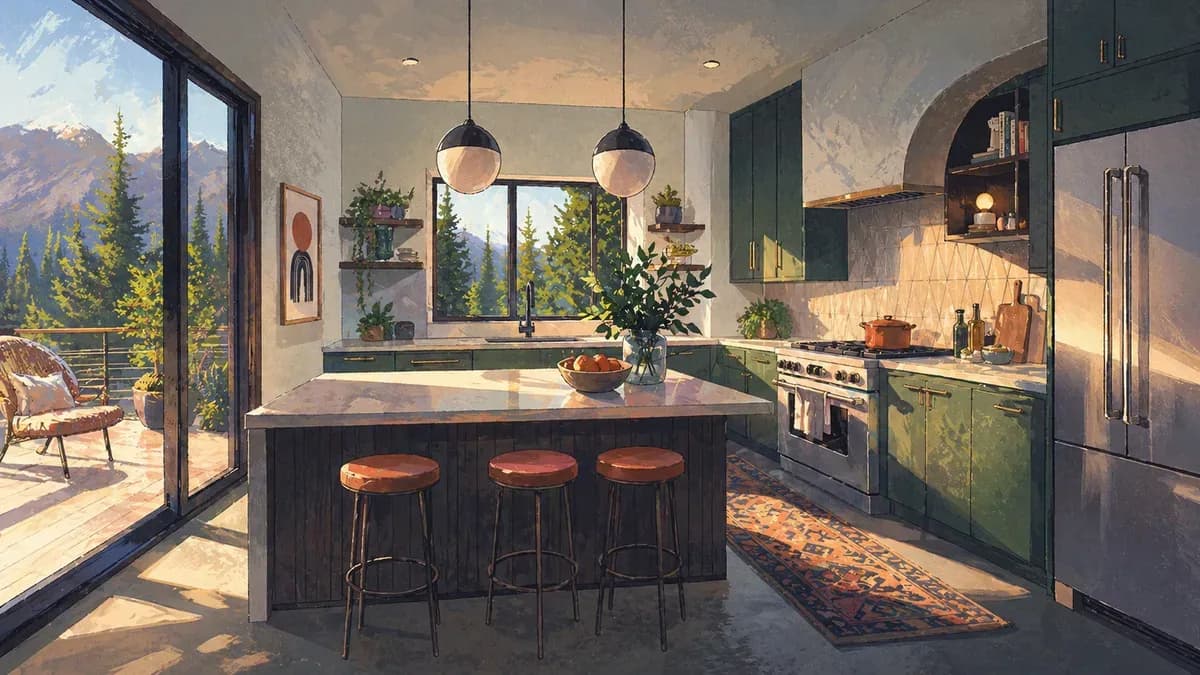
Generate realistic images of your rooms, views, and design ideas as the project takes shape.

What we work on

For single-family homes, ADUs, and duplexes - from small improvements to ground-up builds.

Remodels & additions

Remodels & additions

Interior and exterior remodels, bump-outs, second-stories, and whole-home renovations.

ADUs

ADUs

Detached backyard units, garage conversions, and attached additions as ADUs.
New single-family builds

New single-family builds

Ground-up construction on a vacant or cleared lot.

Repairs & improvements

Repairs & improvements

Targeted upgrades, rebuilt decks, windows, siding, and bathroom refits.
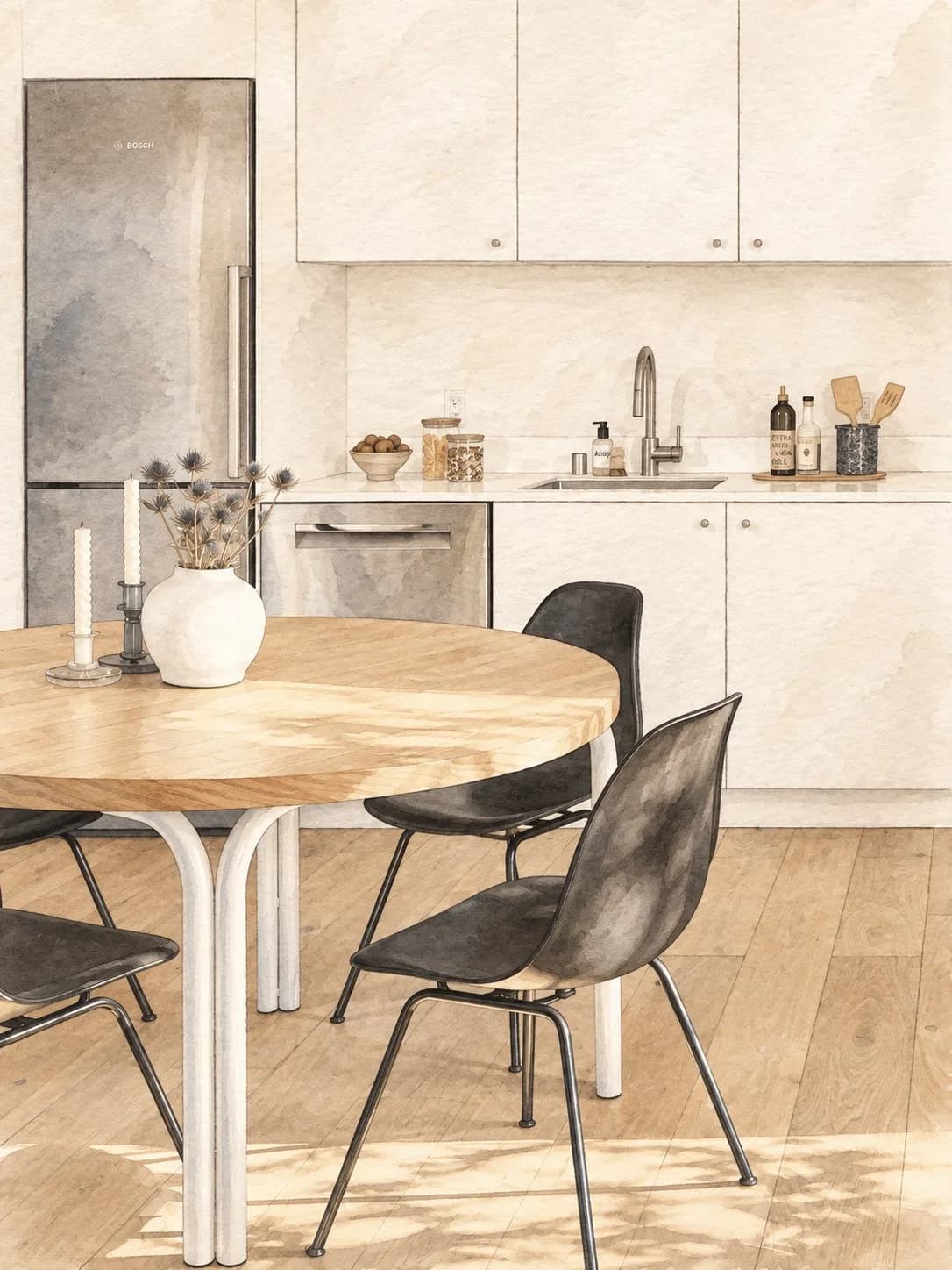
A better place to start

Find your property

Use your address to check fit and set the right starting point.

Scope your project

Turn early ideas into a defined project and clear next steps.

Choose your path

Use MyHome on your own, or move forward with design, permit, and build support.

Common questions

The things you would probably want to know before starting.

MyHome is the complete system for your project - one platform that carries you from early planning through design, permitting, and construction.

It is the first phase of the system. You get a dedicated workspace to explore your property, define your scope, and get clear on your project before moving into design and construction phases.

Full access to the MyHome platform. This includes your project workspace, planning tools, and continuity of data as you progress into Design, Permit, and Build phases.

Once you've used Planner to define your scope and direction, you transition into Design. That's when we bring in the right architectural team to shape your ideas into real models and permit-ready plans.

If you are planning an addition or a remodel, a 3D scan brings your existing home into MyHome as an accurate, interactive model you can plan and design around.

No. For new builds and ADUs, you start directly from the property data and planning tools since there is no existing structure to scan.

Traditional paths force you into formal agreements before you know what you want. MyHome gives you a structured place to explore and scope first, so you only commit to services when you're ready.

Ready to start your project?

Enter your address to check availability and begin scoping your project.

Find your property.

Enter your address to check availability and begin.